For In-Person Events
One Platform for Running In-Person Events
Registration, check-in, badge printing, engagement, and reporting run on one system. Your team walks into the venue with accurate data and a setup that adapts when the schedule changes.
On-Site Problems Are Rarely Dramatic
They're small gaps between systems that only show up once attendees are in the building.

The Door Sets the Tone
The first ten minutes of your event happen at a check-in table. When badge printing runs on one system and registration data lives in another, a fifteen-minute queue becomes the thing everyone remembers about your morning.
Walk-Ins and Last-Minute Changes
Someone shows up unregistered. A VIP gets added an hour before doors. A session moves rooms. Each of those should take a minute to handle on-site, not a call to whoever built the registration form three weeks ago.
Data That Lags Behind the Room
You need to know which sessions are filling while there's still time to move people. Numbers that arrive after the event tell you what went wrong instead of helping you fix it.
Built for in-person events you actually run
Event Tech Stack adapts to your format instead of forcing every event through the same template.
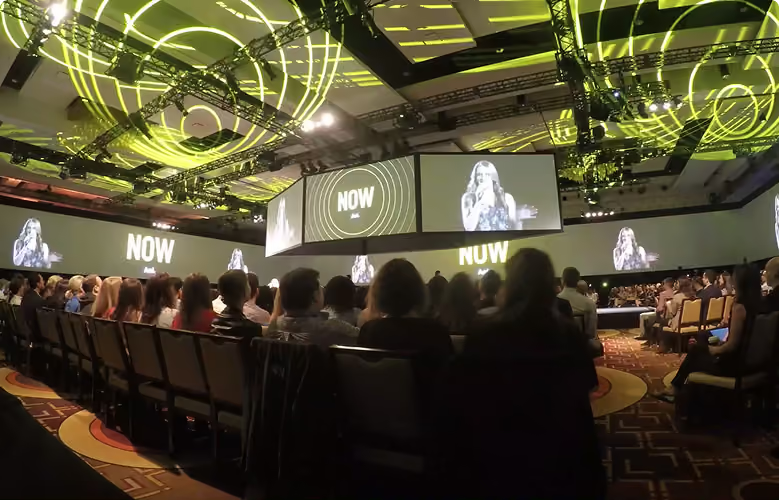
Conferences
Concurrent tracks, session capacity, and thousands of attendees managed in one place.
Workshops & Training Days
Session selection at registration and verified attendance captured by badge scan.
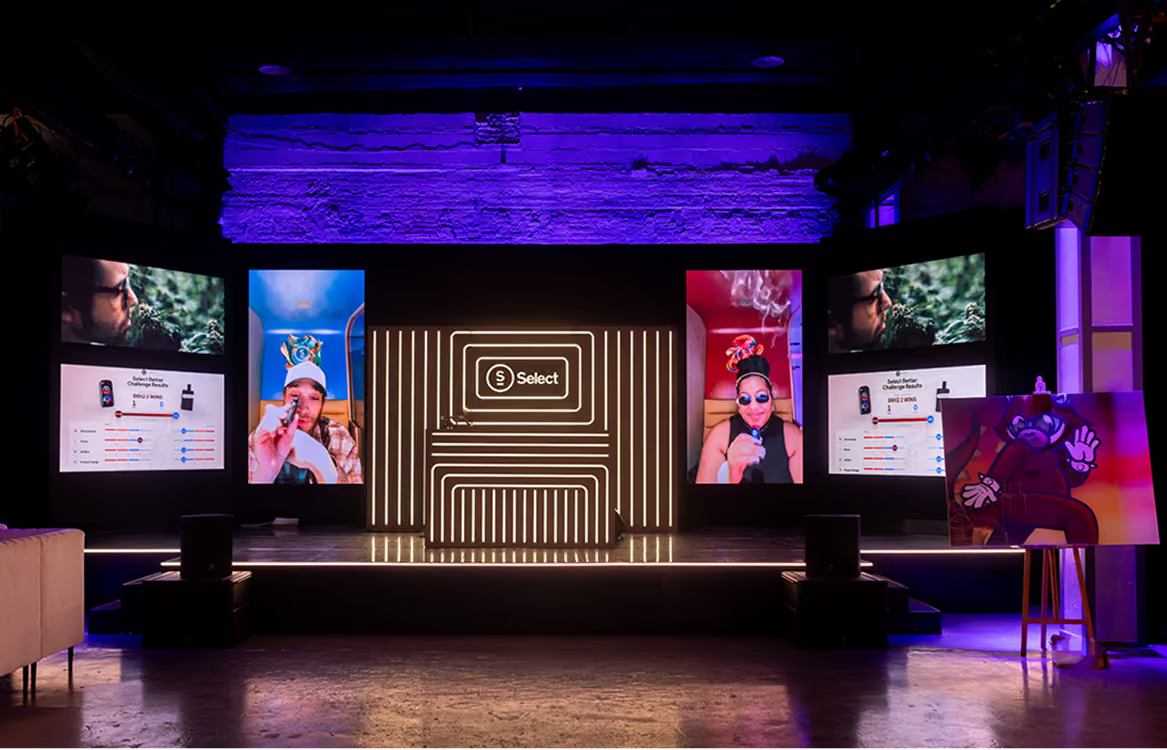
Product Launches
Run events with Invite-only access and kiosk check-in that keeps arrivals moving.
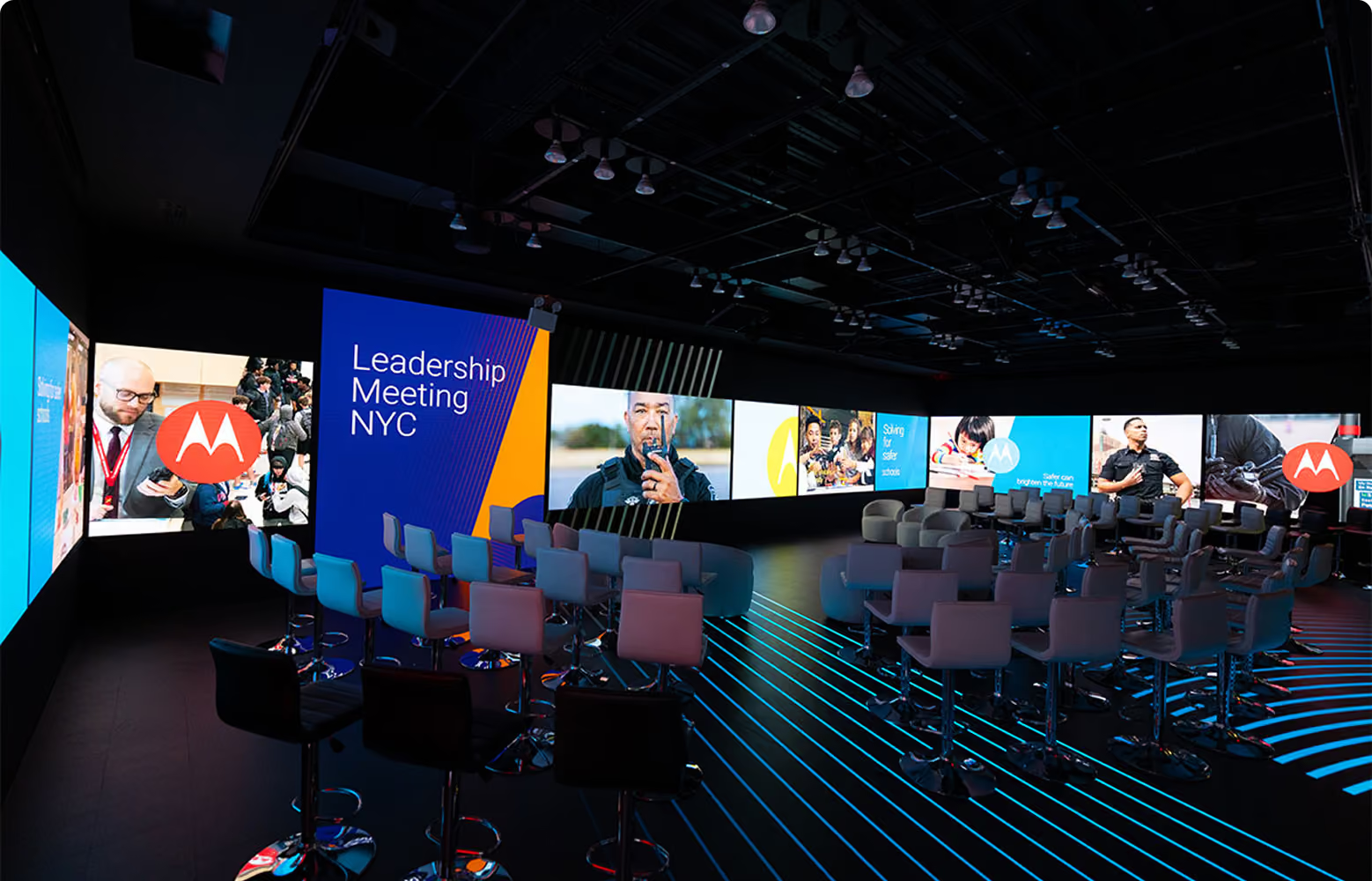
Executive & VIP Events
Dedicated registration paths, personalized touchpoints, and coordinator-led sign-up.

Public Events with Private Tracks
Open attendance with restricted sessions enforced at the door.
From door to session in seconds
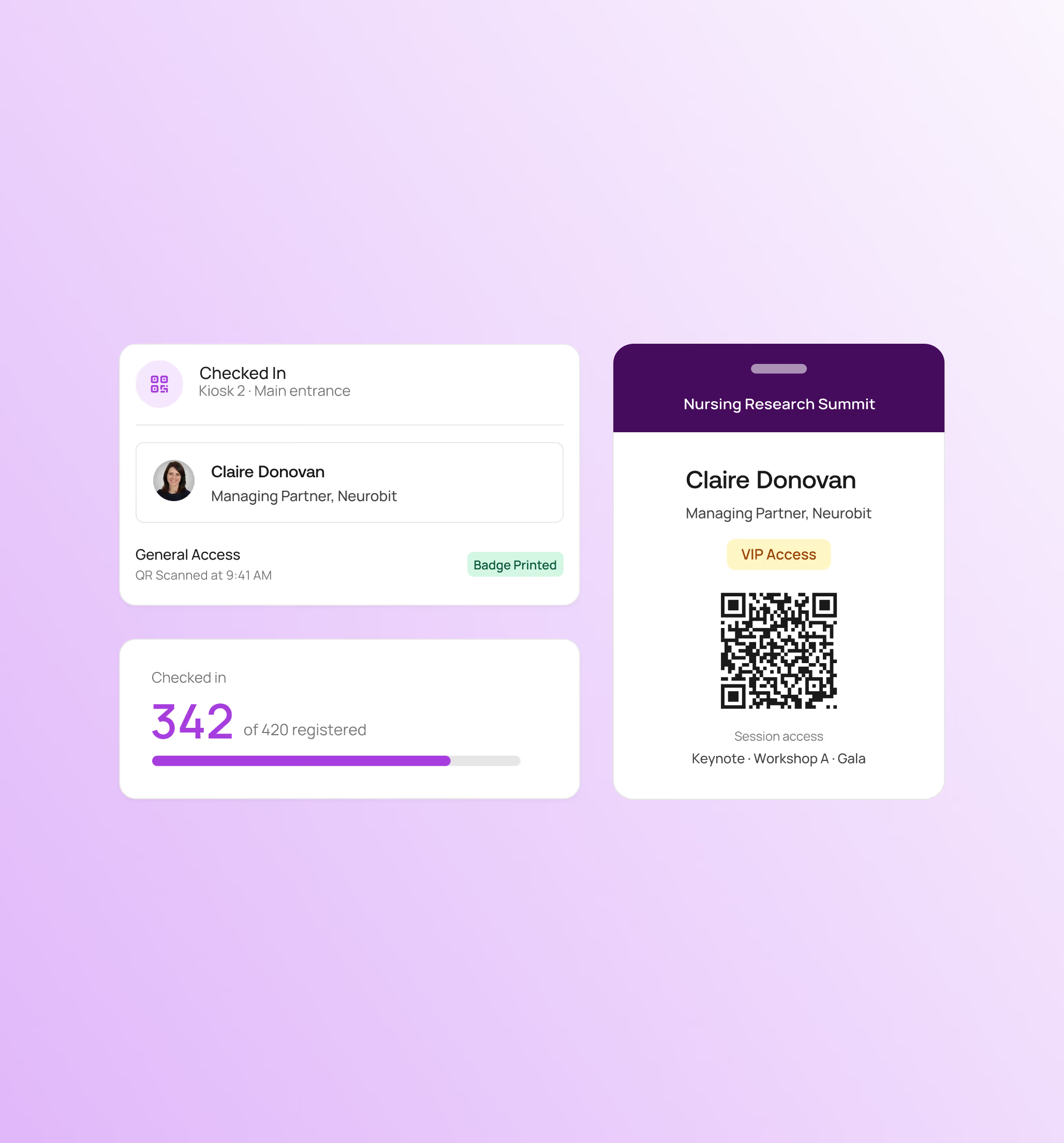
Everything at the check-in desk writes back to the same attendee record, so changes are reflected as soon as they happen.

One QR code per attendee for event and session check-ins.
Badge designs by registration level, printed on arrival.
Register attendees on-site and print their badge from the same kiosk.
Registration staff roles allow on-site team members the right level of access.
Get live check-in data and watch arrivals in real time.
Know who's in the room when the event is happening
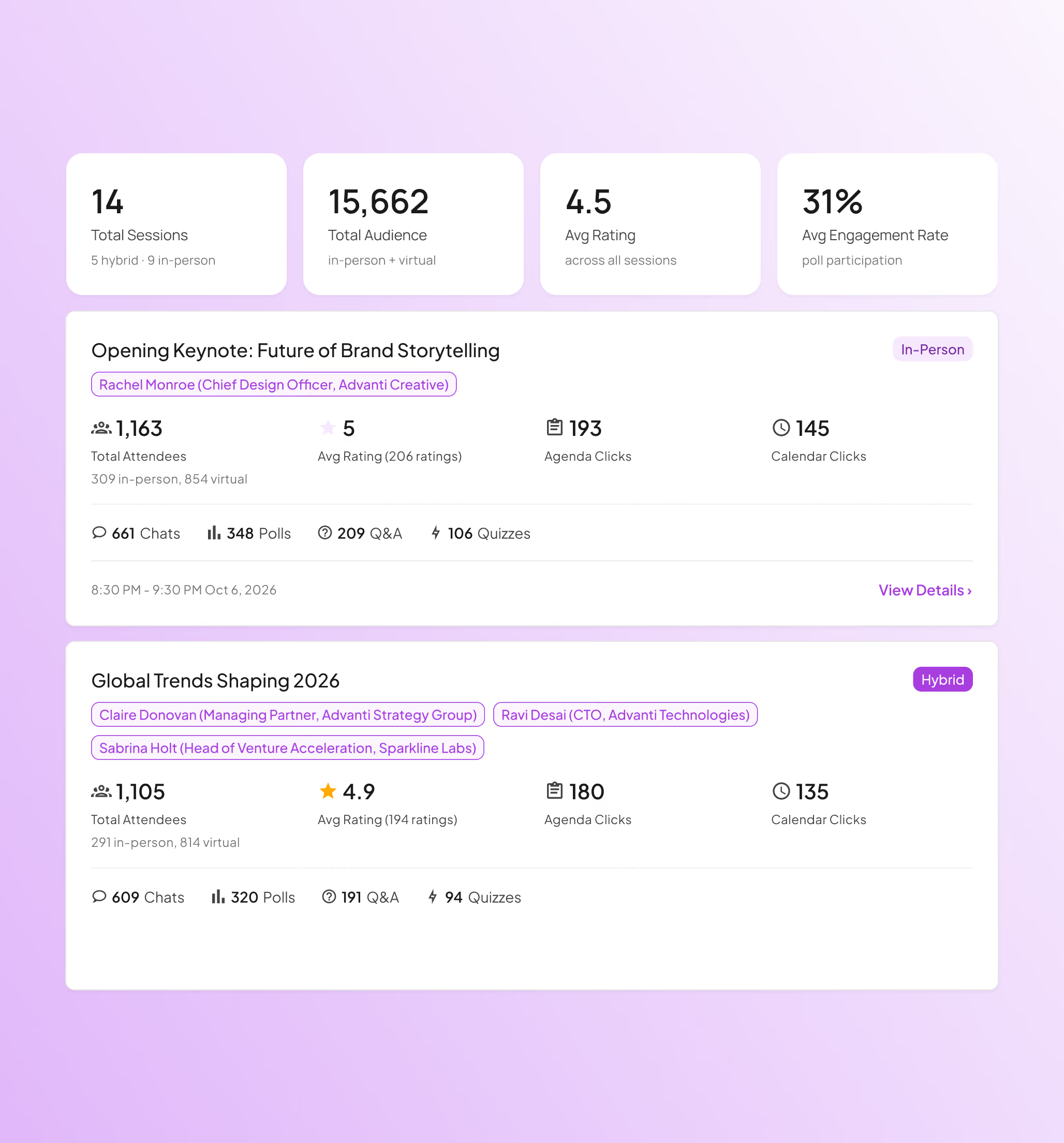
Session-level scanning turns your badges into a live picture of who's attending each session.
Check in at the event level, or track each session when it matters.
Scan badges at the door & instantly see who's registered for that session.
Spot high-demand sessions during registration and add more options for attendees.
Run concurrent sessions with their own limits and their own access rules.
Session attendance updates the attendee record as it happens.
Set up registration once and it carries through to the venue
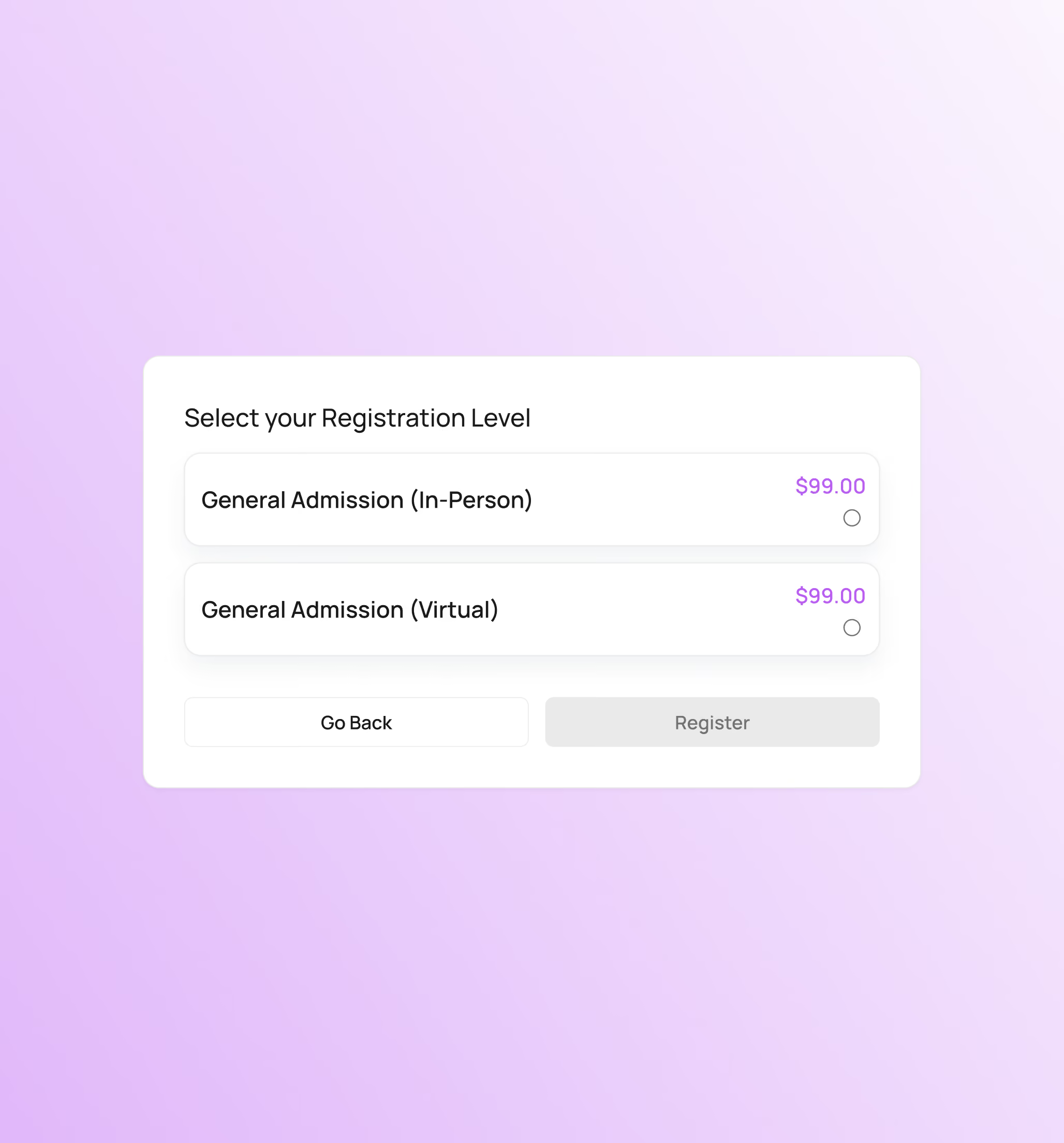
The rules you set during registration apply automatically on-site, from check-in and badges to session access.
Each registration level gets its own Attendee Portal access.
Attendees choose sessions during registration or later.
Set capacity limits at the registration or session level.
Apply domain restrictions and invite-only levels at registration.
Update attendee details at the desk and reprint badges instantly.
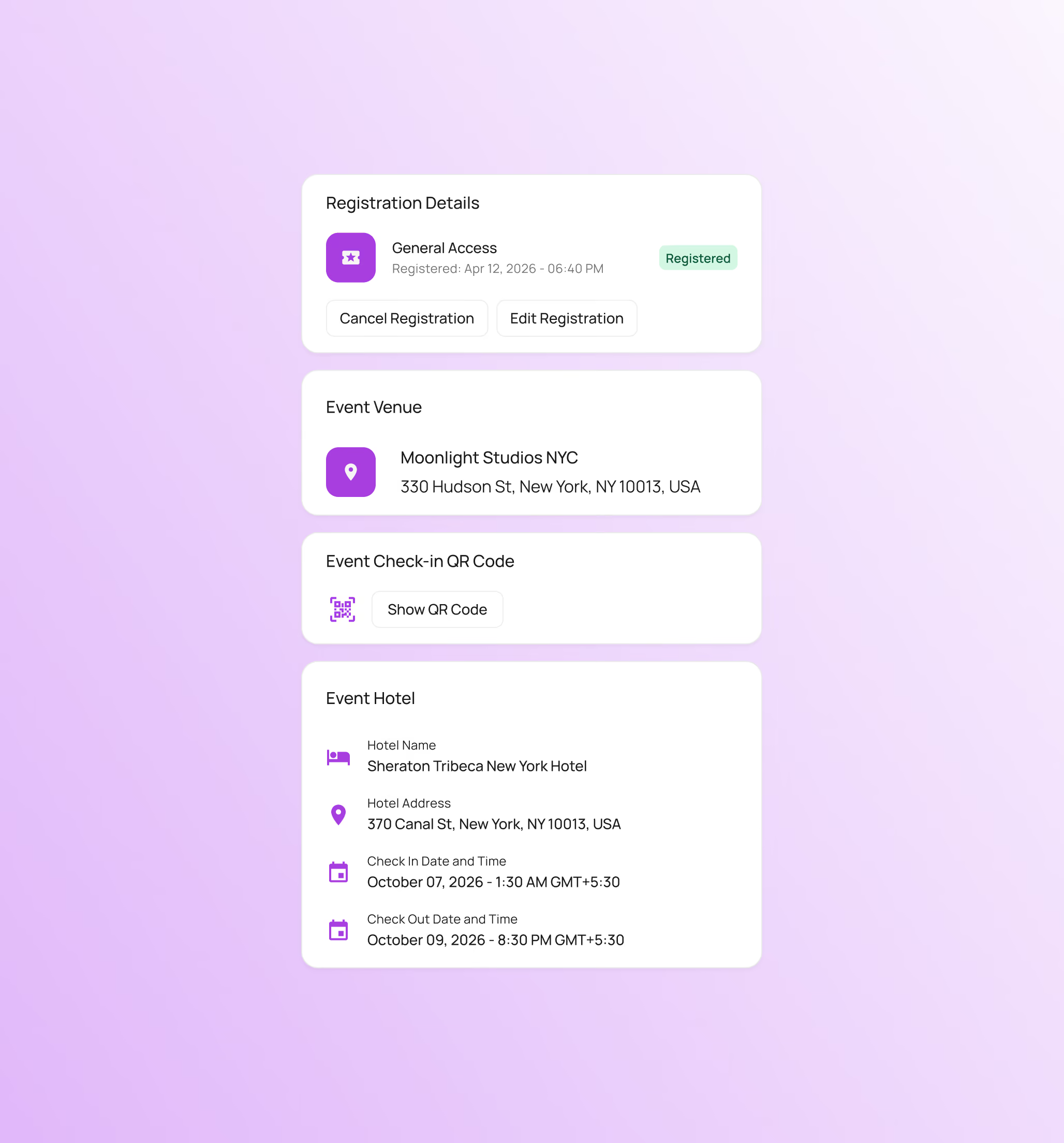
One place for everything attendees ask you about
A personalized Attendee Portal that attendees open on their phones, with no logins or passwords to remember.
Their check-in QR code lives in the Attendee Portal and works at every scan point.
Their schedule and session details are always in one place.
Venue and hotel details are right there when attendees need them.
Room changes and check-in reminders show up as they happen.
Sponsors, speakers, and general attendees each see a portal tailored to their registration.
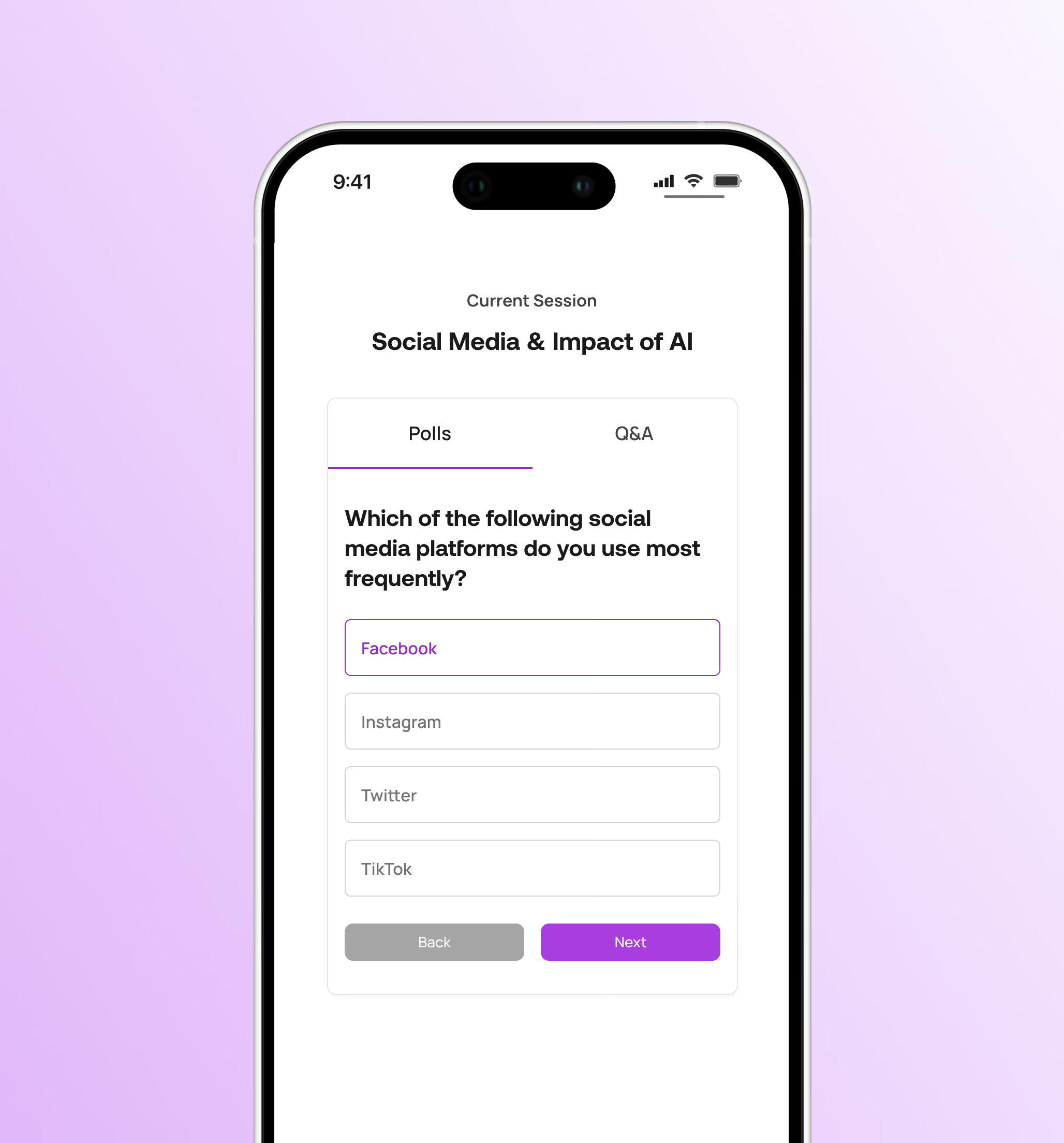
Engagement that happens in the session, not in another app
Polling, Q&A, quizzes, and surveys run in the same event hub attendees already have open for their agenda.
Collect instant feedback through live polls and display results.
Attendees can submit and upvote questions with moderator review.
Check comprehension in training sessions or conduct quizzes.
Gather feedback while the session is still fresh.
Turn on only the tools each session needs with session-level controls.
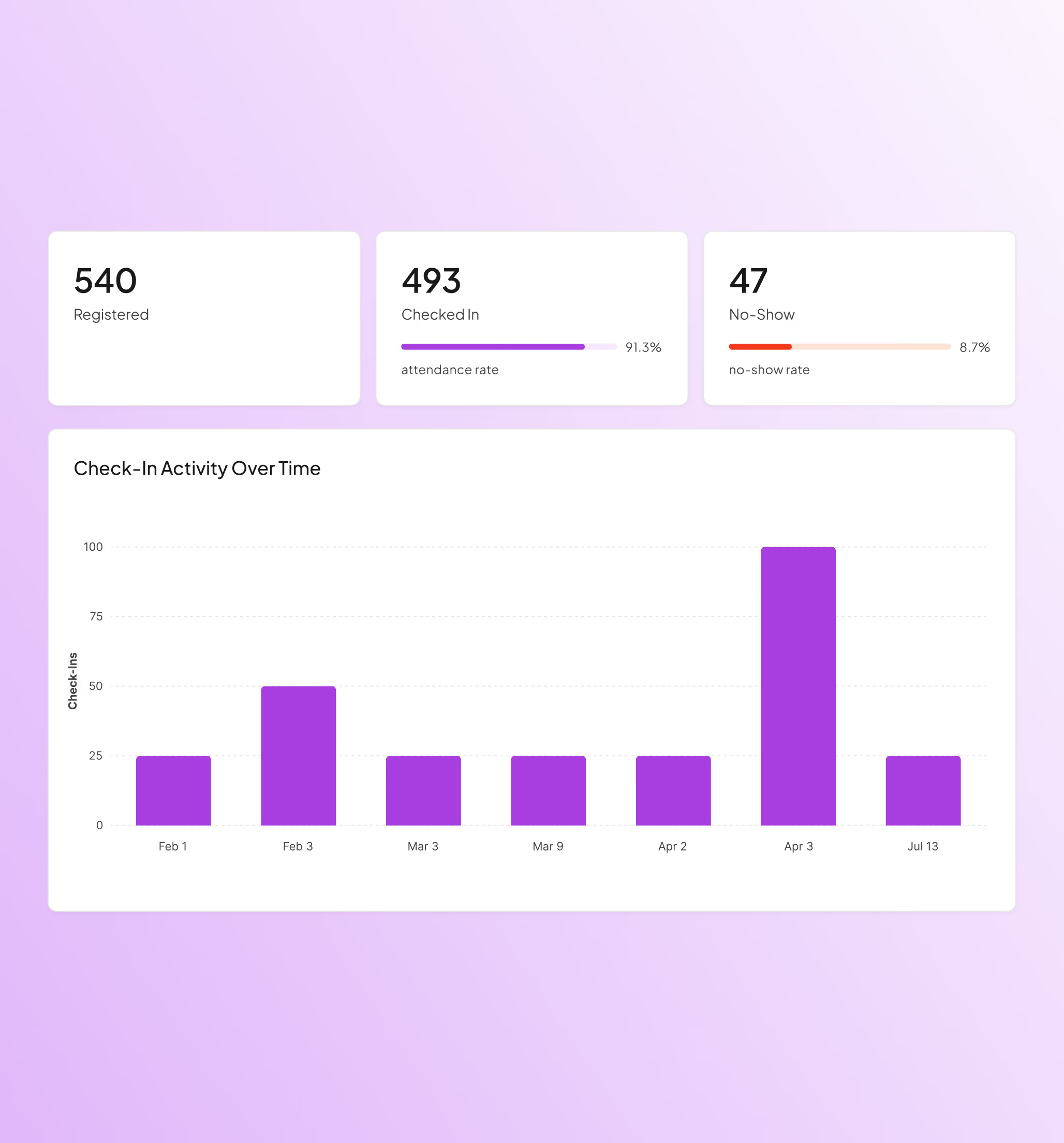
Show what happened in the room
Attendance and engagement data come from badge scans, so your post-event report doesn't need a week of cleanup first.
Get verified session attendance data automatically as they happen.
Detailed registration funnel reports available.
Participation across polling, Q&A, quizzes, and surveys.
View attendee activity to see how they experienced the event.
Export-ready reports that provide clean data for stakeholders.
Everything else also runs on the same platform
Plan, manage, and execute without the risk of stitched-together tools. One platform. One source of truth. Total execution.

Event Registration
Flexible event registration structures with access controls, approval workflows, and session-level permissions.

Event Marketing & Communications
Send event emails and SMS communications directly from the platform with built-in tracking and segmentation.

Event Websites
Launch fully branded event websites with integrated registration and dynamic content management.

Capacity & Waitlist Management
Control event and session attendance with configurable capacity limits and automated waitlists.

Livestream & VOD
Stream live sessions and deliver on-demand content using built-in video infrastructure.

Onsite Check-in & Badging
Manage high-volume attendee check-in with QR scanning, kiosks, and on-demand badge printing.

Attendee Event Hub
Provide attendees with one destination for accessing events, sessions, and content across web and mobile.

Analytics & Reporting
Monitor registration, attendance, engagement, and livestream performance in real time.

AI Event Builder
Generate event structures, pages, and communications using AI-assisted setup workflows.

Mobile App with Real-Time Sync
A mobile app that syncs instantly with the event platform so attendees always see the latest schedule, sessions, and updates.

Multi-Event Management
Manage multiple events from one platform with shared settings, branding, and data. Reuse templates, track performance across events, and scale without rebuilding from scratch.

Networking & Engagement
Let attendees connect, chat, and engage with speakers, sponsors, and other attendees to grow their network and build connections.

Speaker Management
Give speakers their own space to submit content and updates, keeping your agenda, sessions, and event pages current without manual edits.

Meetings Management
Let attendees, sponsors, and exhibitors book meetings during your event, with real-time availability and confirmations built into the platform.

Continuing Education
Run accredited programs with attendance tracking, completion requirements, and automated certificates tied directly to each attendee's record.
The platform event professionals lean on when it matters the most
From Fortune 500 companies and production agencies to small businesses, event professionals choose Event Tech Stack when seeking a reliable, flexible solution.

Executing events across a multi-day program in Cannes gets complicated. Each event or experience requires custom reg flows to manage unique audiences, schedules, and execution. Bringing all of our registration onto a single platform with ETS made all the difference. Our partners and guests were able to register once, using a single credential to access multiple events. Our team had access to comprehensive tracking and analytics across the entire program.
View Case StudyBrian
Global Tech Director, B2B Marketing

I wanted to say a massive thank you & well done for all your efforts. You made it all happen & work seamlessly and everyone is so appreciative of the success you pulled off – we’re all super impressed & grateful!
Jamie C.
Head of Production

We found ourselves in a very challenging position – and you and your intrepid team came through like no other. Beyond impressive. Closer to miraculous.Know you have made a LOT of friends at EY.
Lisa S.
Director, Brand, Marketing & Communications, Americas

Thank you for all you have done to make every Light The Night event spectacular this season. From building the platform – to customizing the platform across the 78 market sites – to executing the event nights with us. HUGE THANKS!
Jana B.
VP Campaign Development, Community Initiatives

Everyone was incredibly pleased with the Service Heroes Virtual Event and we’ve been flooded with amazing feedback from executives! We wanted to extend our sincerest thank you to the ETS Team.
Amanda S.
Senior Producer

Attendees were loving every bit of the platform and content! Through your tireless efforts between pre-production and during the show, this was certainly a success and we’re grateful for your partnership along the way.
Jon S.
Senior Producer
For the first time ever, we were able to see all participants across all Cannes events, from delegate sessions to the cocktail hours to the main party, all in one place. The ETS platform enabled a comprehensive view with 12K participants so we could see everyone who was invited, registered, and attended. In addition to just knowing who was there, this data enables a better calculation for ROI purposes.
View Case StudyBarton
Director, Global Marketing Ops & Analytics


Frequently Asked Questions
Quick answers on how Event Tech Stack works for in-person events.
What devices work with your check-in kiosks?

Kiosks run on iPads and Windows tablets, with setup for either self-service or staffed check-in.
How do you handle walk-ins or last-minute changes?
Walk-ins can register from the kiosk, and you can set it to self-service so attendees register themselves on-site. Your team can also edit details and reprint badges from the kiosk.
Can I customize badges and print them on-site?
Yes. You can design badges per registration level and print them on demand, including for walk-ins registering at the desk.
Can I manage multiple tracks with capacity limits?
Yes. You can build multi-session agendas, enforce capacity in real time, and control session access through badge scanning at the door.
How does session attendance get tracked?
Attendees scan their badge at the session door. Attendance is recorded against their attendee record automatically and appears in your reporting.
Can I customize the event hub by registration level?
Yes. Each registration level can have its own event hub experience, including custom content, agenda visibility, and engagement tools.
Can I send SMS reminders or session alerts?
Yes. You can schedule and send SMS messages for check-in reminders, session alerts, and last-minute updates.
See How Event Tech Stack Powers Your Events — In Just 30 Minutes
Book a live demo to see how Event Tech Stack supports your specific event format.