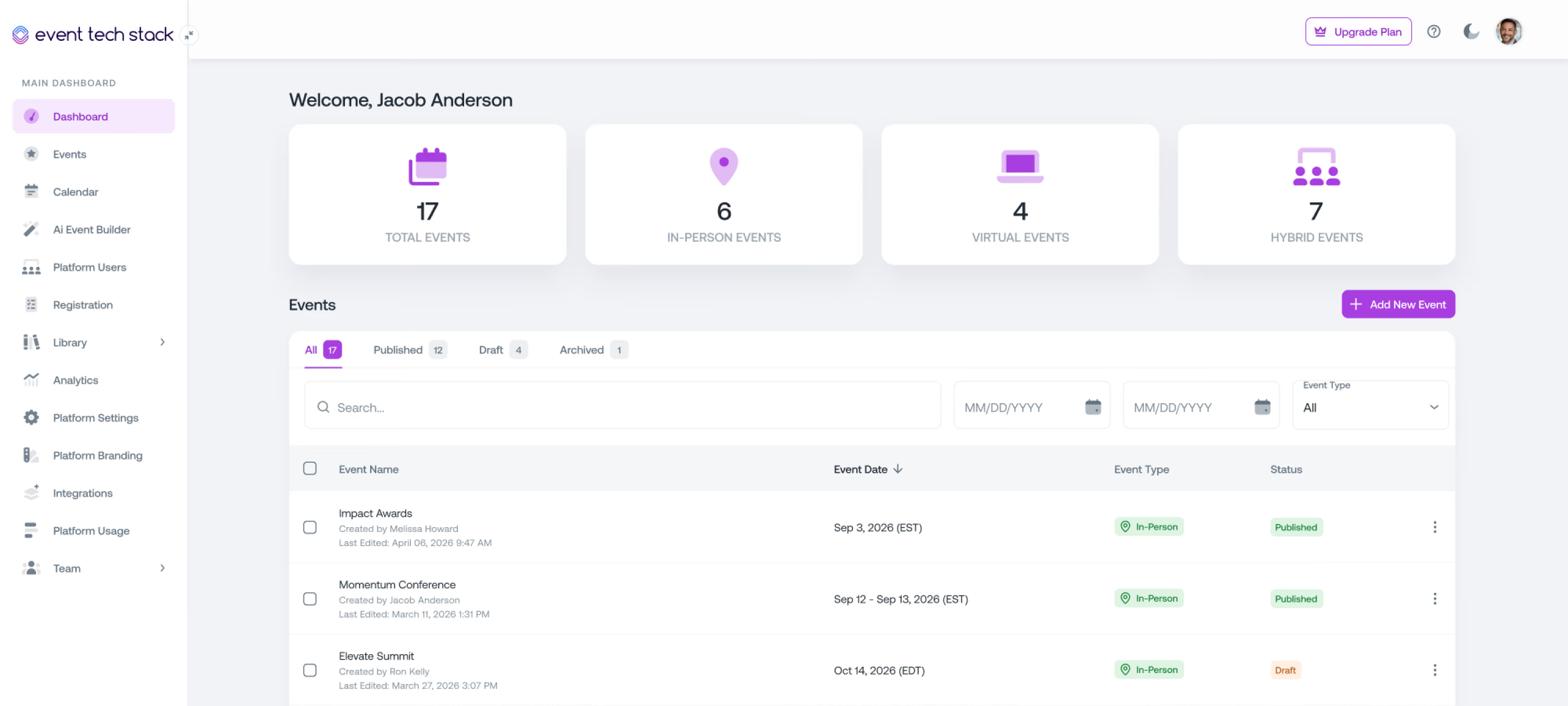
For Hybrid Events
One Event Platform for Two Audiences
Registration, streaming, engagement, and reporting all run off the same event. Your in-person and virtual attendees get experiences built for where they are, and your team manages both from one place.
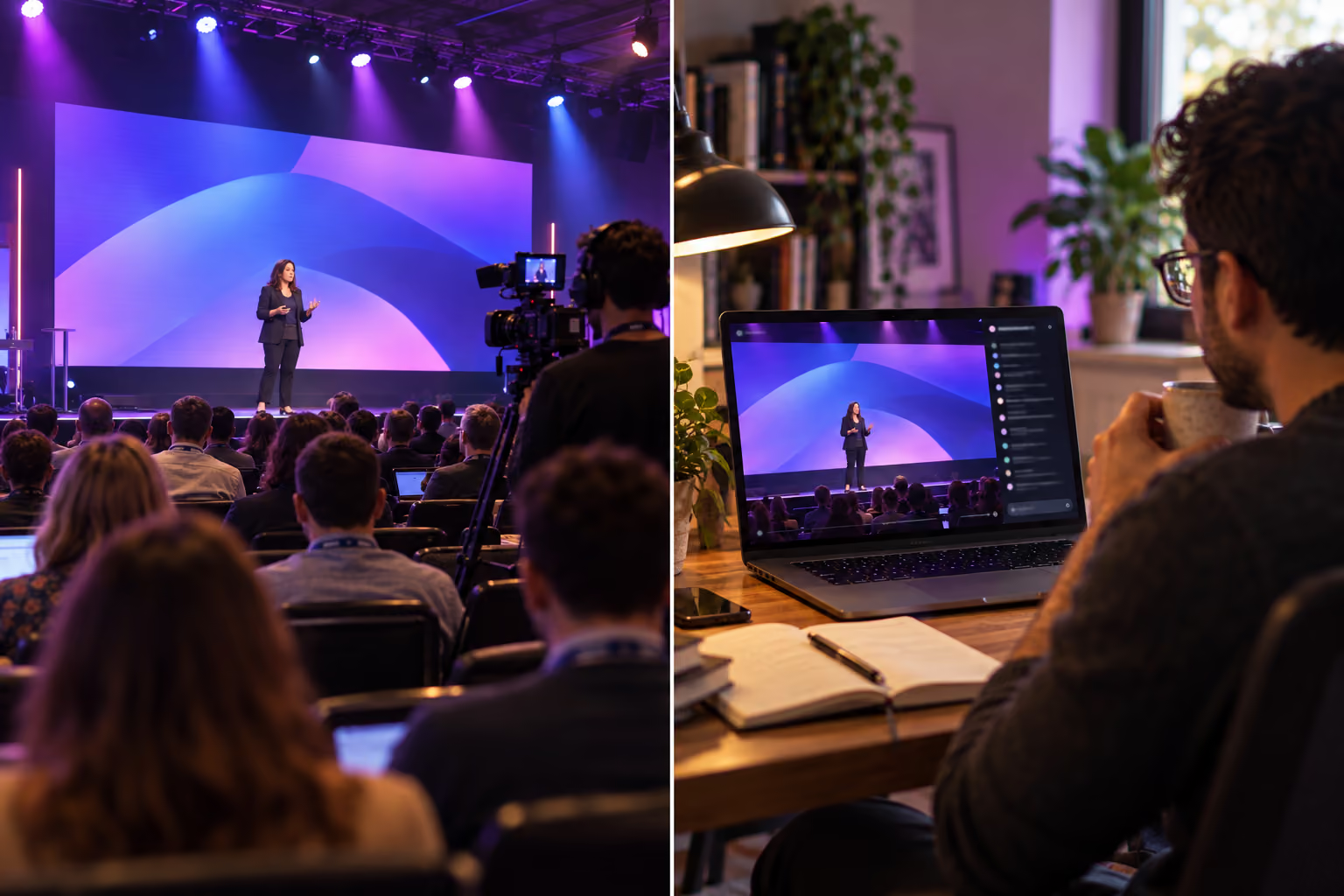
Hybrid usually means running two events at once
Not because hybrid is inherently hard, but because most teams are stitching a streaming tool onto a platform that was built for one audience.

Two Systems, Two Sets of Numbers
Your in-person attendees live in one platform, and your virtual attendees live in another. At the end of the event, you have two versions of data and no way to count how many people actually showed up.
The Virtual Audience Gets the Leftovers
Remote attendees end up watching a camera pointed at a stage, with no agenda that reflects what they can access and no way into the conversation happening in the room. They log off at the first break.
Every Change Has to Be Made Twice
You end up updating the agenda in the event platform, the stream schedule in the streaming tool, and the emails in a third system, hoping nothing falls out of sync before doors open.
Built for the hybrid formats you actually run
From a small on-site gathering with remote viewers to a fully blended multi-track conference, the mix can change without changing platforms.
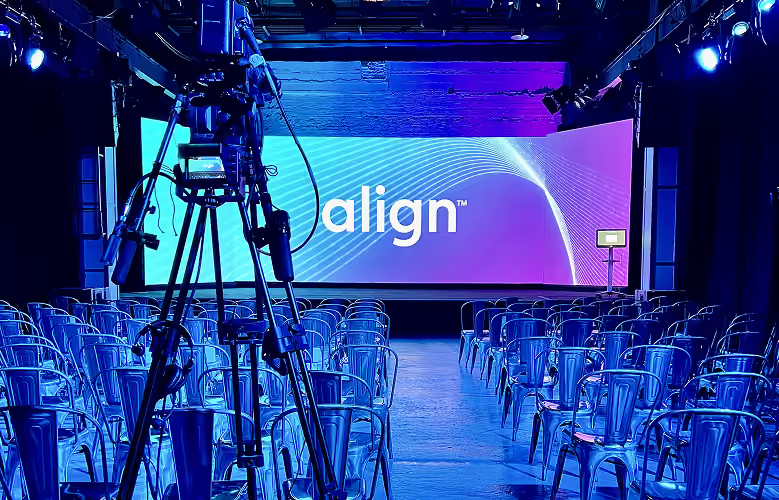
Hybrid Summits
Shared agendas and sessions delivered to both audiences at once.

Continuing Education
Deliver accredited sessions to learners on-site and online, with attendance tracking for both.
Town Halls & Internal Events
Reach employees in the room and at their desks with the same message.
Flexible attendance options for every attendee
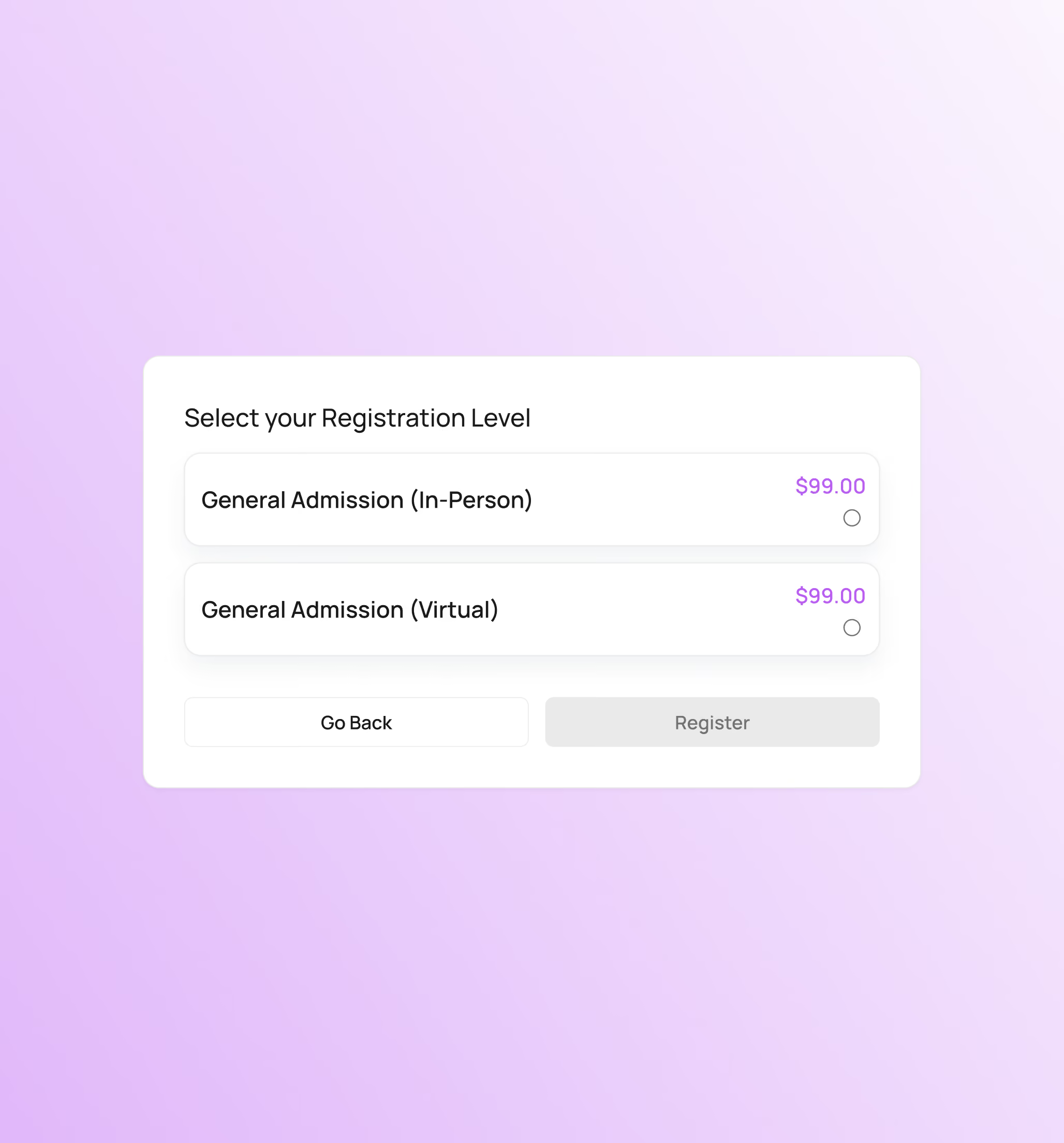
Attendees pick how they're attending, and everything downstream adjusts. There's one attendee list, not an in-person list and a virtual list you reconcile later.

Attendees choose in-person or virtual during registration
Session access and content visibility are assigned by registration level.
Attendees build a schedule from the sessions available to them.
Cap your room without capping your stream.
Attendees can easily switch between in-person and virtual.
Streaming that lives inside the event
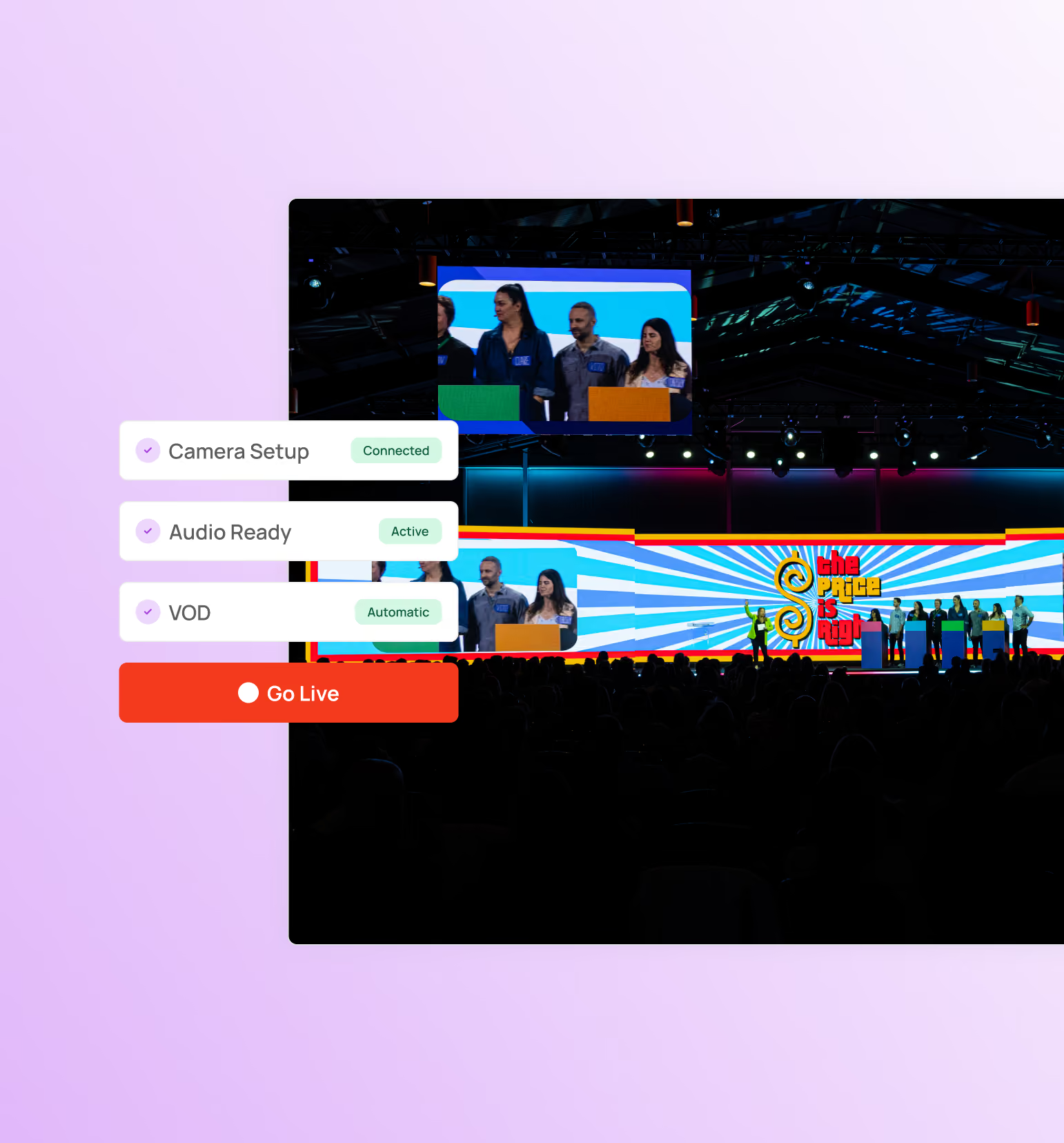
The stream is part of the platform, so there's no third-party account to manage, no embed code to test the night before, and no manual upload after the session ends.
Deliver live sessions directly with our built-in live streaming.
Schedule pre-recorded sessions to play at a set time for audiences.
Recordings are available after the session with same visibility rules.
Attendees can rewatch the sessions they missed.
Closed captioning is available on live sessions and on-demand.
Each audience gets a personalized experience built for where they are
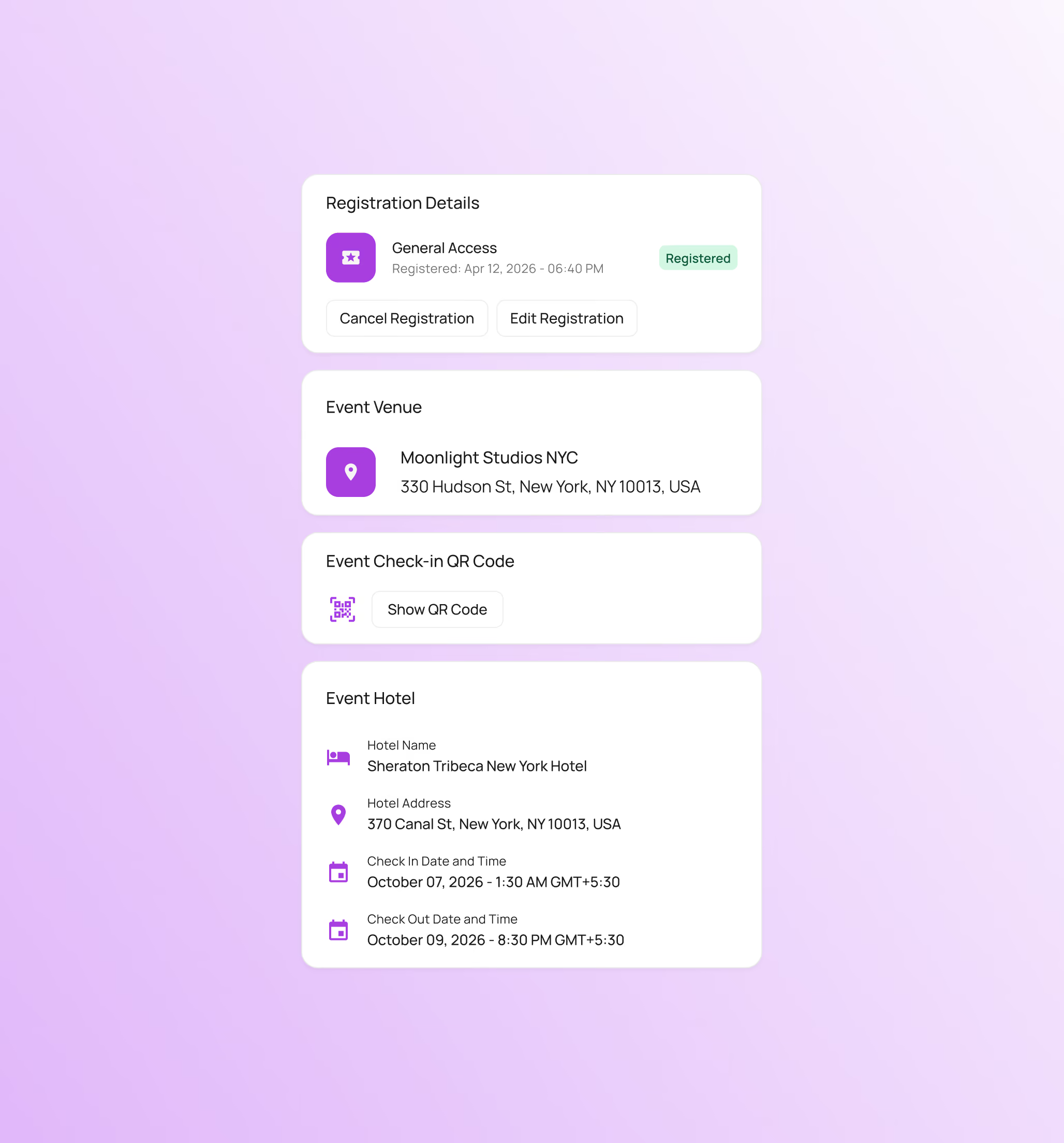
Both audiences enter through the same event, but what they see is shaped by how they're attending.
In-person attendees get their QR code for check-in.
Virtual attendees access everything on a single event hub.
Attendees can access the event from the event mobile app.
Attendees only see the information their registration level allows.
Any room or schedule changes are automatically updated in the app.
Bring both audiences into the same conversation
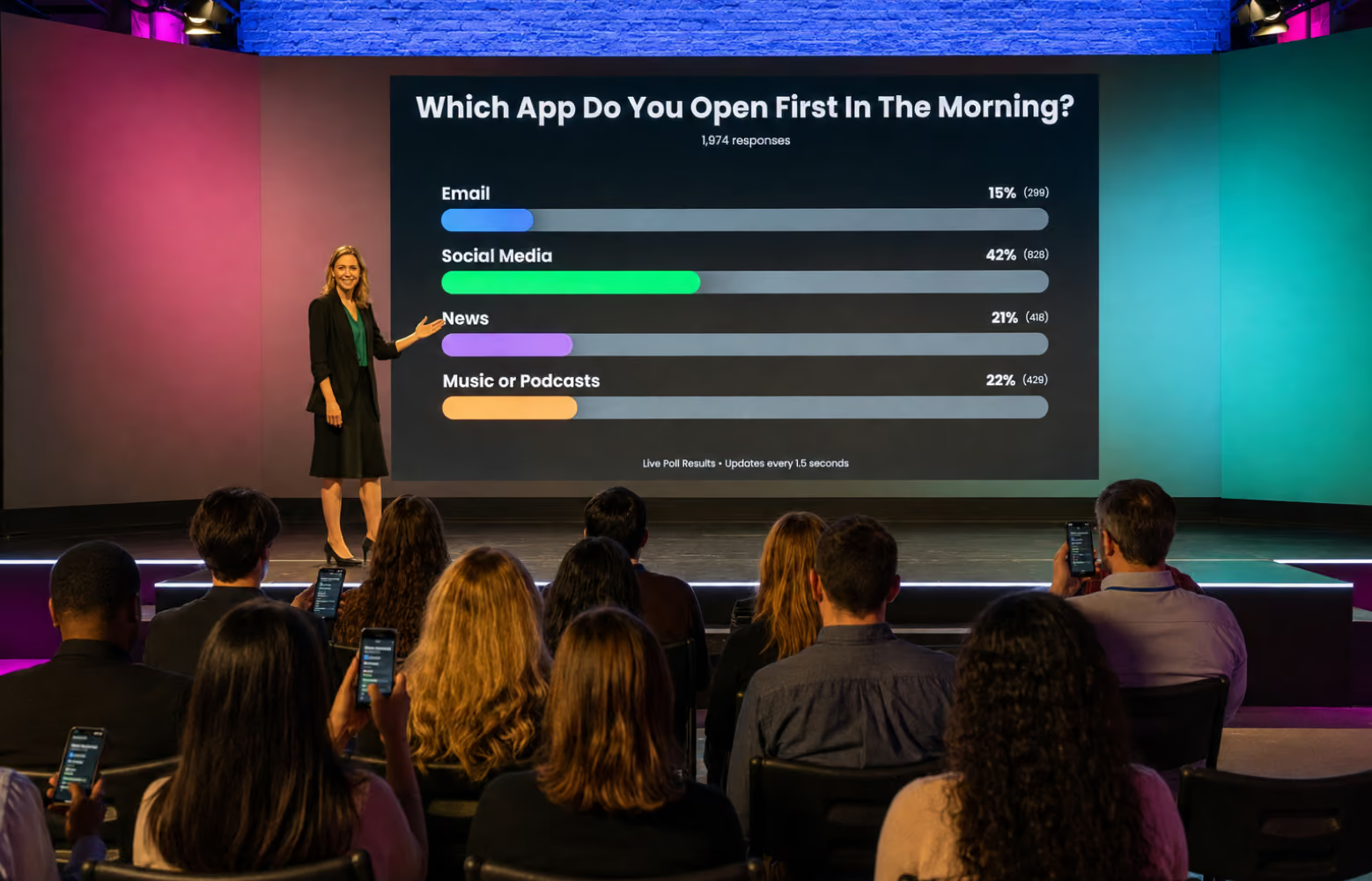
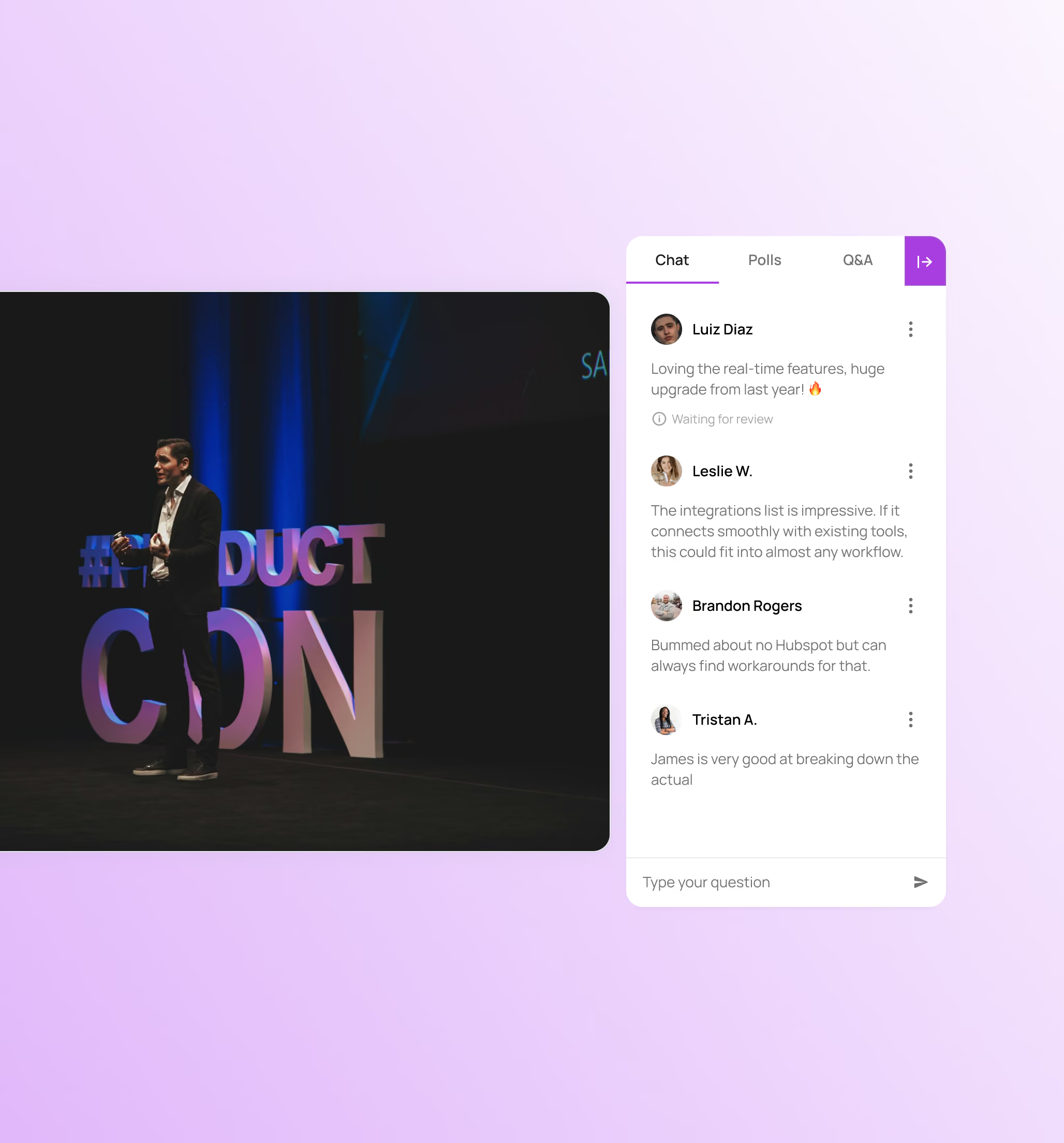
Polling, Q&A, and chat can run as one shared conversation or as separate streams for each audience, depending on what the session needs.
Run one combined Q&A across both audiences.
Live polling results include both in-person and virtual audiences.
Attendees submit and upvote questions from their seat or from home.
Remote attendees can chat during a live session.
Collect feedback from both audiences during a session.
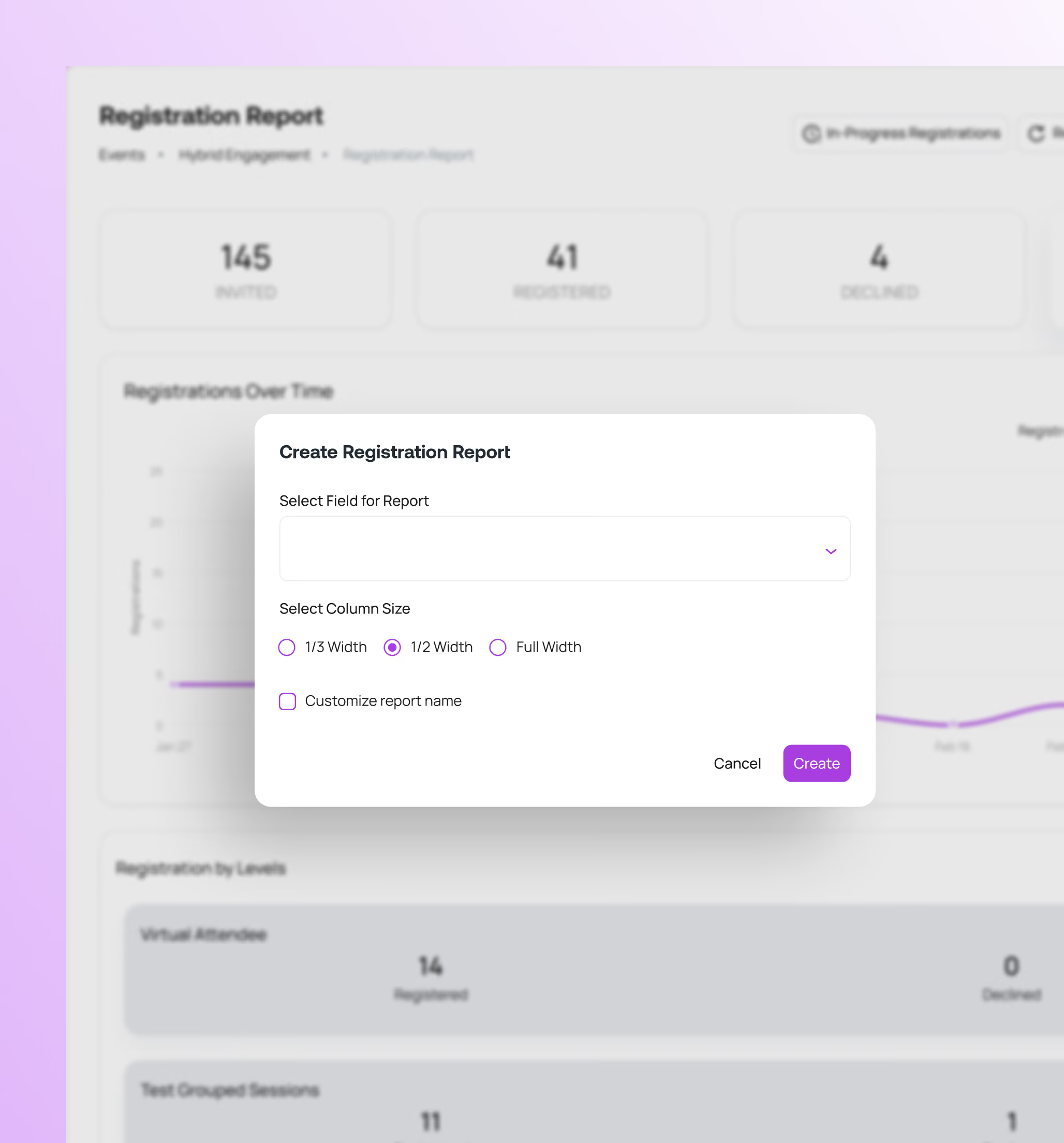
One report, segmented by how people attended
In-person attendance comes from badge scans and virtual attendance comes from the stream, but both land in the same reporting, so you can compare them honestly.
See who showed up and how they attended, in one view.
Poll participation, Q&A volume, and viewing time, sorted by attendee type.
View sign-up trends and conversion separately for in-person and virtual.
Live and on-demand viewership tied back to individual attendee records.
Clean export-ready reports for stakeholders.
Everything else also runs on the same platform
Plan, manage, and execute without the risk of stitched-together tools. One platform. One source of truth. Total execution.

Event Registration
Flexible event registration structures with access controls, approval workflows, and session-level permissions.

Event Marketing & Communications
Send event emails and SMS communications directly from the platform with built-in tracking and segmentation.

Event Websites
Launch fully branded event websites with integrated registration and dynamic content management.

Capacity & Waitlist Management
Control event and session attendance with configurable capacity limits and automated waitlists.

Livestream & VOD
Stream live sessions and deliver on-demand content using built-in video infrastructure.

Onsite Check-in & Badging
Manage high-volume attendee check-in with QR scanning, kiosks, and on-demand badge printing.

Attendee Event Hub
Provide attendees with one destination for accessing events, sessions, and content across web and mobile.

Analytics & Reporting
Monitor registration, attendance, engagement, and livestream performance in real time.

AI Event Builder
Generate event structures, pages, and communications using AI-assisted setup workflows.

Mobile App with Real-Time Sync
A mobile app that syncs instantly with the event platform so attendees always see the latest schedule, sessions, and updates.

Multi-Event Management
Manage multiple events from one platform with shared settings, branding, and data. Reuse templates, track performance across events, and scale without rebuilding from scratch.

Networking & Engagement
Let attendees connect, chat, and engage with speakers, sponsors, and other attendees to grow their network and build connections.

Speaker Management
Give speakers their own space to submit content and updates, keeping your agenda, sessions, and event pages current without manual edits.

Meetings Management
Let attendees, sponsors, and exhibitors book meetings during your event, with real-time availability and confirmations built into the platform.

Continuing Education
Run accredited programs with attendance tracking, completion requirements, and automated certificates tied directly to each attendee's record.
The platform event professionals lean on when it matters the most
From Fortune 500 companies and production agencies to small businesses, event professionals choose Event Tech Stack when seeking a reliable, flexible solution.

Executing events across a multi-day program in Cannes gets complicated. Each event or experience requires custom reg flows to manage unique audiences, schedules, and execution. Bringing all of our registration onto a single platform with ETS made all the difference. Our partners and guests were able to register once, using a single credential to access multiple events. Our team had access to comprehensive tracking and analytics across the entire program.
View Case StudyBrian
Global Tech Director, B2B Marketing

I wanted to say a massive thank you & well done for all your efforts. You made it all happen & work seamlessly and everyone is so appreciative of the success you pulled off – we’re all super impressed & grateful!
Jamie C.
Head of Production

We found ourselves in a very challenging position – and you and your intrepid team came through like no other. Beyond impressive. Closer to miraculous.Know you have made a LOT of friends at EY.
Lisa S.
Director, Brand, Marketing & Communications, Americas

Thank you for all you have done to make every Light The Night event spectacular this season. From building the platform – to customizing the platform across the 78 market sites – to executing the event nights with us. HUGE THANKS!
Jana B.
VP Campaign Development, Community Initiatives

Everyone was incredibly pleased with the Service Heroes Virtual Event and we’ve been flooded with amazing feedback from executives! We wanted to extend our sincerest thank you to the ETS Team.
Amanda S.
Senior Producer

Attendees were loving every bit of the platform and content! Through your tireless efforts between pre-production and during the show, this was certainly a success and we’re grateful for your partnership along the way.
Jon S.
Senior Producer
For the first time ever, we were able to see all participants across all Cannes events, from delegate sessions to the cocktail hours to the main party, all in one place. The ETS platform enabled a comprehensive view with 12K participants so we could see everyone who was invited, registered, and attended. In addition to just knowing who was there, this data enables a better calculation for ROI purposes.
View Case StudyBarton
Director, Global Marketing Ops & Analytics


Frequently Asked Questions
Quick answers on how Event Tech Stack works for hybrid events run.
Can I customize registration for in-person and virtual attendees separately?

Yes. You can set different registration paths, pricing, and access options based on attendance type, all within the same registration flow.
Can attendees switch from virtual to in-person after registering?
Yes. You can update attendance type manually, or allow attendees to change it themselves before the event.
How do I provide different content for virtual and in-person audiences?
Session access, resources, and agenda visibility are assigned by registration level, so each audience sees only what applies to them.
Can in-person attendees watch recordings of sessions they missed?
Yes. You can give in-person attendees access to livestreams and recordings, or restrict content by attendance type.
Do I need a separate streaming provider?
No. Live streaming and video on-demand are built into the platform, so there's no third-party account or embed code involved.
Is there a separate event hub for virtual and in-person attendees?
No. Both audiences use the same Event Hub, and each person sees what they can based on their registration level and attendance type.
Is there a mobile app, or does everything run in a browser?
Both. Users can access the event hub through a browser or download the Event Tech Stack mobile app.
Can I track engagement separately for each audience?
Yes. Reporting is segmented by attendance type, so you can compare performance across formats within one report.
See How Event Tech Stack Powers Your Events — In Just 30 Minutes
Book a live demo to see how Event Tech Stack supports your specific event format.