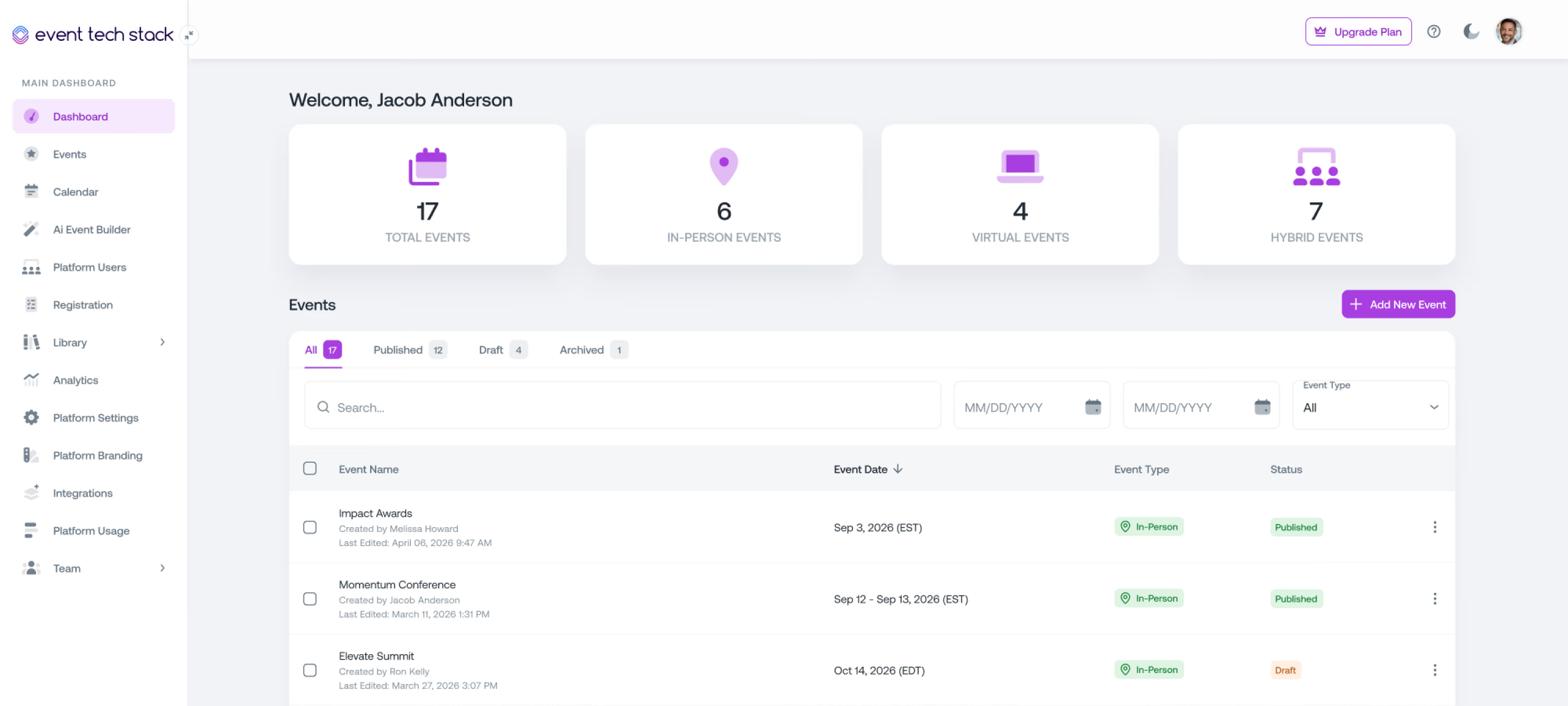
Meetings Built Into Your Event Platform
Whether meetings are one part of your conference or the whole reason people show up, Event Tech Stack handles requests, host assignment, locations, check-in, and reporting in the same platform as the rest of your event.
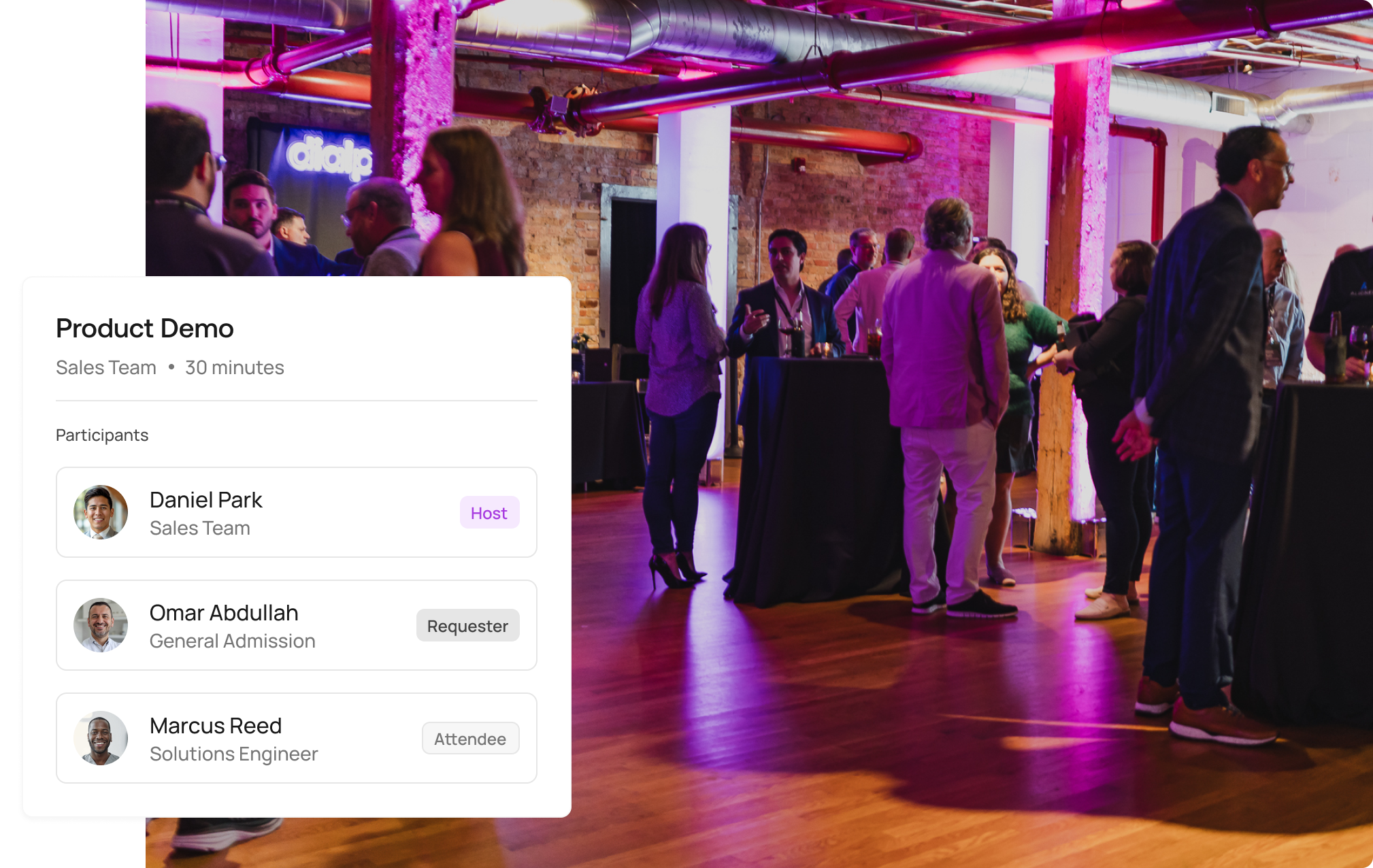
Your Most Valuable Conversations Deserve Better Than a Spreadsheet
High-value event meetings often get coordinated through calendar invites, email threads, and shared sheets that nobody fully trusts by day two.

Scheduling Takes Dozens of Emails
Finding a time that works for a host, a customer, and an executive assistant turns into a long email thread. Multiply that across hundreds of meetings, and your team spends event week managing calendars.
Hosts Get Overbooked or Overlooked
When requests are assigned by hand, some hosts end up with back-to-back meetings while others have open calendars. Conflicts tend to surface at the worst possible moment.
Nobody Knows If the Meeting Happened
A meeting on the calendar isn't proof it happened. Without check-in data, completed meetings and no-shows look the same in your reports.
Follow-Up Gets Lost After the Event
Meeting details sit in inboxes and spreadsheets instead of your CRM, so sales teams struggle to follow up, and leadership can't see what the meetings led to.
Scheduling That Fits How Your Meeting Program Runs
Let attendees request meetings, have hosts send invitations, or assign requests automatically across a team. Every meeting stays connected to your registration data, event spaces, and communications.
Requests & Invitations
Let meetings start from either side
Eligible attendees search for the right hosts or teams and submit requests with the details your team needs to prepare.
Hosts, Meeting Managers, and administrators can also schedule a time and invite selected participants directly, which works well for sales outreach and executive briefings.
Hosts, Meeting Managers, and administrators can also schedule a time and invite selected participants directly, which works well for sales outreach and executive briefings.
Round-Robin Scheduling
Assign requests to the next available host automatically
Create a group of qualified hosts for a meeting type, and Event Tech Stack assigns each request to the next available host while balancing meetings across the team. Attendees and admins never have to pick a host by hand.
Configurable Meeting Types
Run different meeting programs within the same event
Set up separate workflows for sales meetings, product demos, interviews, briefings, and networking, each with custom request forms that collect the context hosts need before the conversation.
Availability Rules
Schedule around real availability, including travel days
Set general meeting dates for the program and let hosts define when they're available. Extend availability to shoulder days before or after the event, with every time shown consistently in the event's timezone.
Eligibility Controls
Give the right people access to the right meetings
Control who can request or join meetings using registration levels, tags, and other attributes. Internal employees and external customers, prospects, and partners each get the access and workflows that fit their role.
Participant Roles & Assistants
Coordinate executive schedules without shared logins
Track hosts, requestors, internal and external attendees, and assistants on every meeting. Authorized executive assistants can coordinate meetings on an executive's behalf without sharing accounts or relying on workarounds.
Meeting Locations
Tell every participant exactly where to go
Assign rooms, booths, lounges, suites, and tables to each meeting so participants get clear arrival details and your team can manage meeting space across the venue.
Meetings Manager
Oversee every host's schedule from one view
Meetings Managers can see activity across all hosts, create meetings on anyone's behalf, adjust participants, times, and locations, and coordinate changes when plans shift during the event.
Meetings for every kind of event
For some events, meetings are one feature among many. For others, meetings are the reason the event exists. Event Tech Stack supports both.
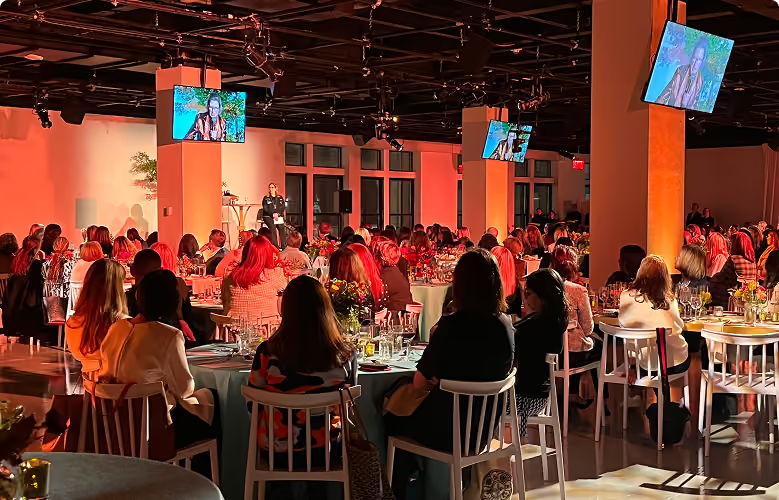
Meeting-Led Events
Run multi-day programs built around scheduled appointments
Hosted buyer events, executive briefing programs, and appointment-driven trade shows can fill full schedules for customers, prospects, partners, and executives across several days, including setup and shoulder days.
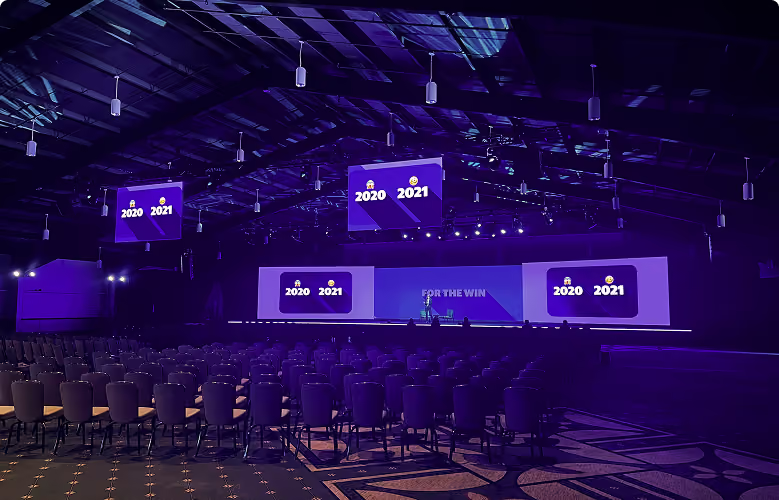
Conferences & Trade Shows
Add structured meetings alongside sessions and exhibits
Let attendees book time with sponsors, exhibitors, and your own team between sessions, with every meeting connected to the same registration data and schedule as the rest of your event.
Sales & Partner Programs
Handle high volumes of customer conversations
Use round-robin scheduling and host invitations to manage demo requests, customer meetings, and partner conversations at sales events, with meeting activity connected to your CRM.
Every participant knows where to be and who they're meeting
Whether someone has one important meeting or a packed multi-day schedule, My Meetings gives them a clear, personal view of everything on their calendar.

My Meetings Schedule
Participants see upcoming and past meetings, dates, times, and meeting status in one personalized schedule they can access before and during the event.

Who You're Meeting and Where
Every meeting shows who's attending, the request details that explain what the conversation is about, and the assigned room, booth, lounge, or table.

Confirmations & Reminders
Automated email and SMS messages confirm new meetings, send reminders, and keep participants updated when times or locations change.
Measure the meetings that took place, not just the ones scheduled
Track arrivals on-site, let hosts know when participants check in, and report on the full meeting lifecycle from first request to completed meeting.

Check-In & Arrival Alerts
Check participants in through the platform or on mobile with the ETS Host App. Hosts get a text when their participant arrives.

SMS Arrival Notifications
Hosts get a text when their participant checks in, which helps at large venues where hosts move between rooms.

Real-Time Attendance
See who has arrived for each meeting as it happens, so Meeting Managers can support hosts and keep the schedule moving.

Request & Meeting Metrics
Track requests, acceptances, declines, pending responses, and reschedules, then separate completed meetings from cancellations and no-shows to see what actually happened during your event.

Completed Meetings & No-Shows
Separate completed meetings from cancellations and no-shows to see what happened during your event, beyond what was on the calendar.

Activity by Host & Meeting Type
Break down meeting activity by host, participant, meeting type, or event to evaluate performance, find follow-up opportunities, and plan stronger programs.

CRM Integration
Connect meeting activity with CRMs such as Salesforce, HubSpot, or Marketo so sales teams can follow up faster and leadership can measure the pipeline your event generated.
Why teams switch to Event Tech Stack
Built by event professionals for the reality of live events, where updates need to happen instantly, and your technology can't be the thing that breaks.
01
True Unified System
Data flows instantly across every part of your event without manual syncing or integration delays. Changes happen once and update everywhere in real time.
02
Built by Event Professionals
Built by people who've run events under real pressure and know that last-minute changes and live coordination aren't edge cases, they're how events work.
03
Flexible & Scalable
Scale your events without hitting artificial limits, feature restrictions, or pricing penalties. What works for your first event still works when you're running hundreds.
04
Quick Setup
Launch new events quickly by building on proven systems while maintaining full control over configuration and customization.
The platform event professionals lean on when it matters the most
From Fortune 500 companies and production agencies to small businesses, event professionals choose Event Tech Stack when seeking a reliable, flexible solution.

I wanted to say a massive thank you & well done for all your efforts. You made it all happen & work seamlessly and everyone is so appreciative of the success you pulled off – we’re all super impressed & grateful!
Jamie C.
Head of Production

We found ourselves in a very challenging position – and you and your intrepid team came through like no other. Beyond impressive. Closer to miraculous.Know you have made a LOT of friends at EY.
Lisa S.
Director, Brand, Marketing & Communications, Americas

Managing a complex footprint across Cannes requires technology that gets out of the way. Event Tech Stack allowed us to deliver a unified experience across more than 20 events. One registration journey and one credential made navigating our Cannes program completely effortless for our partners and guests.
View Case StudyBrian
Global Tech Director, B2B Marketing
We did it! This was one for the books – and certainly a virtual event we are very proud of. Everyone is very pleased!
Jenna C.
Senior Account Director

Thank you for all you have done to make every Light The Night event spectacular this season. From building the platform – to customizing the platform across the 78 market sites – to executing the event nights with us. HUGE THANKS!
Jana B.
VP Campaign Development, Community Initiatives

Everyone was incredibly pleased with the Service Heroes Virtual Event and we’ve been flooded with amazing feedback from executives! We wanted to extend our sincerest thank you to the ETS Team.
Amanda S.
Senior Producer

Attendees were loving every bit of the platform and content! Through your tireless efforts between pre-production and during the show, this was certainly a success and we’re grateful for your partnership along the way.
Jon S.
Senior Producer
Connecting registration and real-time attendance across 20+ experiences and hundreds of meetings into one dataset transformed how we measure festival ROI. Rather than ending the week with siloed lists from separate venues, Event Tech Stack gave us a single source of truth across our entire Cannes presence.
View Case StudyBarton
Director, Global Marketing Ops & Analytics


One platform to power every part of your event
Explore how Event Tech Stack unifies your entire event ecosystem in one scalable platform.

Event Registration
Flexible event registration structures with access controls, approval workflows, and session-level permissions.

Event Marketing & Communications
Send event emails and SMS communications directly from the platform with built-in tracking and segmentation.

Event Websites
Launch fully branded event websites with integrated registration and dynamic content management.

Capacity & Waitlist Management
Control event and session attendance with configurable capacity limits and automated waitlists.

Livestream & VOD
Stream live sessions and deliver on-demand content using built-in video infrastructure.

Onsite Check-in & Badging
Manage high-volume attendee check-in with QR scanning, kiosks, and on-demand badge printing.

Attendee Event Hub
Provide attendees with one destination for accessing events, sessions, and content across web and mobile.

Analytics & Reporting
Monitor registration, attendance, engagement, and livestream performance in real time.

AI Event Builder
Generate event structures, pages, and communications using AI-assisted setup workflows.

Mobile App with Real-Time Sync
A mobile app that syncs instantly with the event platform so attendees always see the latest schedule, sessions, and updates.

Multi-Event Management
Manage multiple events from one platform with shared settings, branding, and data. Reuse templates, track performance across events, and scale without rebuilding from scratch.

Networking & Engagement
Let attendees connect, chat, and engage with speakers, sponsors, and other attendees to grow their network and build connections.
Frequently Asked Questions
Quick answers about running meetings with Event Tech Stack.
Can attendees request meetings, or can only hosts send invitations?

Both. Eligible attendees can submit meeting requests, hosts and Meeting Managers can send invitations, and round-robin scheduling can assign incoming requests to available hosts automatically.
How does round-robin scheduling work?
You assign a group of qualified hosts to a meeting type. When someone requests that type of meeting, Event Tech Stack finds the next available host and balances assignments across the group.
Can exhibitors and sponsors take meeting requests?
Yes, meeting requests can work as a booth meeting request form, so attendees can schedule time to meet exhibitors and sponsors where they are.
Can we schedule meetings before or after the main event dates?
Yes, meeting availability can extend to setup days, arrival days, and shoulder days, with all times displayed in the event's timezone.
Can executive assistants manage meetings for executives?
Yes, authorized assistants can coordinate meetings on an executive's behalf without needing shared accounts.
Can we control who is allowed to request meetings?
Yes, you can set eligibility using registration levels, tags, internal or external participant types, and other attributes, and choose which hosts or meeting types are available to each group.
How do hosts know when a participant has arrived?
Participants can be checked in through the platform or the Event Tech Stack Host App, and hosts can receive an SMS notification as soon as their participant checks in.
Does Meetings connect with our CRM?
Yes, meeting activity can connect with CRMs such as Salesforce to support sales follow-up and measure the activity your event generates.
See How Event Tech Stack Powers Your Events — In Just 30 Minutes
Book a live demo to see how Event Tech Stack supports your specific event format.